
Render
Unclaimed verified 5 oct 2026Migrate apps from Heroku with near-zero downtime.
TL;DR
Render is a developer-focused cloud application platform for deploying web services, static sites, workers, cron jobs, databases, and workflows with minimal infrastructure management. It is best suited to startups, freelancers, and product teams—especially Heroku migrants—that want Git-based deployments and managed services; its key differentiator is combining a simple PaaS experience with infrastructure-as-code, preview environments, managed databases, and a free tier.
What Users Actually Pay
No user-reported pricing yet.
Our Take
Render occupies the modern Heroku-alternative segment: simpler than assembling equivalent infrastructure on AWS, but more general-purpose than frontend-focused platforms such as Vercel or Netlify. Its product surface includes web services, private services, background workers, cron jobs, static sites, Postgres, Key Value, workflows, autoscaling, private networking, and Blueprints.
Alternatives
Ranked by Revuo score — paid tiers never affect order.
Railway
Ship software peacefully with the all-in-one intelligent cloud provider

LangChain
Observe, Evaluate, and Deploy Reliable AI Agents

Cloudways
Managed Cloud Hosting Platform Simplified

Heroku
The Cloud Application Platform for Developers

xCloud
Next-Gen Managed Hosting & Server Management for WordPress, Laravel & PHP Applications

Fly.io
Build fast. Run any code fearlessly.
Pros
- + Users frequently praise the ease of connecting a repository, configuring a service, and deploying with minimal infrastructure work.
- + GitHub integration, automatic deploys, branch-based environments, and pull-request previews are recurring strengths in user feedback.
- + Reviewers appreciate managing services, databases, environment variables, logs, workers, and cron jobs in one dashboard.
- + The free tier and accessible entry-level plans are useful for prototypes, personal projects, and early-stage applications.
- + Some reviewers praise Render’s approachable interface and responsive support, including community and Slack-based assistance.
Cons
- - Free services can spin down when idle, causing cold-start latency and slower initial responses.
- - Costs can increase as teams add multiple services, higher-capacity instances, persistent storage, bandwidth, and production features.
- - Some users describe documentation as less mature than Heroku’s and report missing operational features or limited console capabilities.
- - Reddit discussions include mixed reports about reliability, deployment issues, slow response times, and performance variability.
- - The search did not confirm a mature first-party Zapier, Make, or n8n connector, so many workflow integrations require generic HTTP/API tooling.
Agent Readiness
73/100Render is well suited to autonomous infrastructure and deployment agents. It offers a public REST API, OpenAPI schema, CLI, SDKs, Blueprints, deploy hooks, signed webhooks, logs, metrics, preview environments, and a public status page. The principal limitations are API-key-centered authentication, the lack of clearly verified native Zapier, Make, or n8n connectors, and paid or plan-dependent access to some webhook and operational capabilities. Production agents should use least-privilege credentials, validate webhook signatures, and add approval safeguards for destructive actions.
Last checked Sep 28, 2026
MCP Integrations
34 servers15 tools6,972 total usesNeeds a self-provisionable API key
Turn HTML or templates into branded invoice & document PDFs from your agent. One call, no install.
Render PDFs from 45 starter templates or raw HTML. Pay-per-render with USDC via x402.
HTML-to-PDF MCP server — render pixel-faithful PDFs from HTML.
AutoRender's MCP server for media assets, transformations, delivery, and workflow automation.
Needs a self-provisionable API key
Render PDFs from templates and spreadsheet data via SheetRender, locally or at mcp.sheetrender.com
Web capture API for AI agents. Take full-page screenshots (PNG/JPEG/WebP) and generate PDFs from any URL using headless Chromium. Custom viewport size, device emulation, and scroll capture. Tools: capture_screenshot (image), webpage_to_pdf (PDF). Use this for visual regression testing, documentation, archiving web pages, or generating reports. IMPORTANT: For text extraction from pages, use web_scrape_to_markdown. For custom PDF generation from data, use document_generate_pdf. Returns: base64-encoded image or PDF. No API key required — x402 micropayment $0.008/call on Base L2.
2 tools
capture_screenshotUse this when you need a visual capture of a web page. Renders in a real Chromium browser and returns an image. Returns: 1. Binary image (PNG, JPEG, or WebP) 2. Custom viewport support (width/heightwebpage_to_pdfUse this when you need to convert a live web page to a printable PDF document. Renders in a real Chromium browser and returns binary PDF. Returns: 1. Binary PDF file 2. Configurable paper format (A4,
Markdown rendering API for AI agents. Convert Markdown to fully styled HTML with CSS themes: light, dark, and GitHub styles. Ready-to-embed HTML documents with responsive typography. Tools: text_render_markdown. Use this for generating presentable HTML from Markdown: reports, documentation, blog posts. IMPORTANT: For basic Markdown→HTML without styling, use text_convert_markdown_to_html (cheaper). Returns: {html, theme, wordCount}. No API key required — x402 micropayment $0.002/call on Base L2.
1 tool
text_render_markdownUse this when you need to convert Markdown to a fully styled HTML document with embedded CSS. Returns a complete, display-ready HTML page in JSON. Returns: 1. html (complete HTML document with embedd
Browser rendering service. Fetch web pages, convert to markdown, and capture screenshots.
5 tools
accounts_listList all accounts in your Cloudflare accountset_active_accountSet active account to be used for tool calls that require accountIdget_url_html_contentGet page HTML contentget_url_markdownGet page converted into Markdownget_url_screenshotGet page screenshot
Take screenshots of any public website from Claude, Cursor, ChatGPT, or any MCP client. The take_screenshot tool renders a URL and returns the image inline, plus a hosted link and the page title and description. It supports full-page capture, a wait delay before capturing, and a timeout. You bring your own ScreenshotRender API key (starts with sr-), available at screenshotrender.com
Capture high-quality screenshots and PDFs of any website with advanced features like device emulation and ad blocking. Automate the removal of cookie banners and toggle dark mode to ensure clean, professional results. Track monthly usage and manage cached captures to optimize your workflow.
3 tools
take_screenshotCapture a screenshot of any website. Returns the image as PNG, JPEG, WebP, or PDF. Supports device emulation (iPhone, Pixel, iPad), dark mode, ad blocking, cookie banner removal, full-page capture, and custom viewports.check_screenshot_cacheCheck if a screenshot is already cached without capturing a new one. Does not count against your quota.get_usageGet current month's screenshot usage statistics including screenshots used, limit, and remaining quota.
Renders Mermaid diagram syntax to PNG or SVG images for LLM clients
Check generated audio, video and stills for defects. Returns a verdict, not more media.
Local MCP tools for crawler-readability and discovery-file diagnostics.
Markdown to styled HTML, PDF, DOCX, and slides with themes, diagrams, and math.
Needs a self-provisionable API key
Fireship-style short videos from a topic — Remotion motion graphics, word-timed captions, 1080p.
Deterministic image rendering with exact typography. Pay per call in USDC, no account.
Decodes React DevTools Profiler exports into render summaries and memoization advice for AI agents.
Needs a self-provisionable API key
Capture website screenshots from any MCP client via the ScreenshotRender API.
MCP server for analyzing React Profiler exports: rerenders, commit spikes, slow components.
Needs a self-provisionable API key
URL to screenshot, PDF, or structured extract for AI agents via MCP.
Hosted browser for AI agents: screenshots, post-JS DOM, console, WCAG. No install, no API key.
Generate DOCX and PDF documents from AI assistants using BulkRender templates.
Screenshot, extract content, and render web pages. PNG/JPEG/WebP/PDF, batch, signed URLs.
Needs a self-provisionable API key
MCP server for the Render Public API: all 207 endpoints plus workflow tools.
Automated Remotion audiovisual production and render controller.
Render markdown to styled HTML with light/dark/github themes. x402 micropayment.
Screenshot, PDF, OG-image, and page extraction (markdown/JSON) over MCP. Bearer key or x402.
Designed, animated, editable presentations your AI writes on Renderball. No account needed to try.
Capture a Nevada auto insurance intent once; one verified seller answers for USD 1. No repeat ask.
JSON in, PDF out. Render invoices, certificates, reports and cards from a template and a payload.
A paid remote MCP for HyperFrames, built to return verdicts, receipts, usage logs, and audit-ready J
Screenshot, PDF, OG-image, and page extraction (markdown/JSON) over MCP. Bearer key or x402.
4 tools
screenshot_urlCapture a screenshot image of a public web page or an inline HTML snippet, rendered in a real headless browser (JS, CSS, and web fonts execute). Returns a PNG/JPEG/WEBP image. Use this to visually preview a page, generate a thumbnail, or archive how a URL looked at a point in time.render_pdfRender a public web page or an inline HTML snippet to a paginated PDF document, using a real headless browser (JS, CSS, and web fonts execute). Use this to turn a URL or HTML into a downloadable/printable PDF, e.g. an invoice, report, or saved article.render_ogRender an inline HTML snippet to a social-share (Open Graph) image sized for link previews, defaulting to the standard 1200x630 OG dimensions. Use this to generate og:image assets for blog posts, products, or share cards without hand-designing an image.extract_pageFetch a public web page and extract its content as either clean, readable markdown (the default) or as structured JSON fields matched against a caller-supplied schema. Use markdown mode to summarize or quote a page's text; use structured mode to pull specific named fields (e.g. price, title, author) out of a page's content.
Parallel video rendering tools: detect GPU encoders, render, color grade, merge audio, concat.
Render Cost Calculator: the site's own MCP server — calculator, enquiry (enquiry = a human...
Last checked Sep 18, 2026
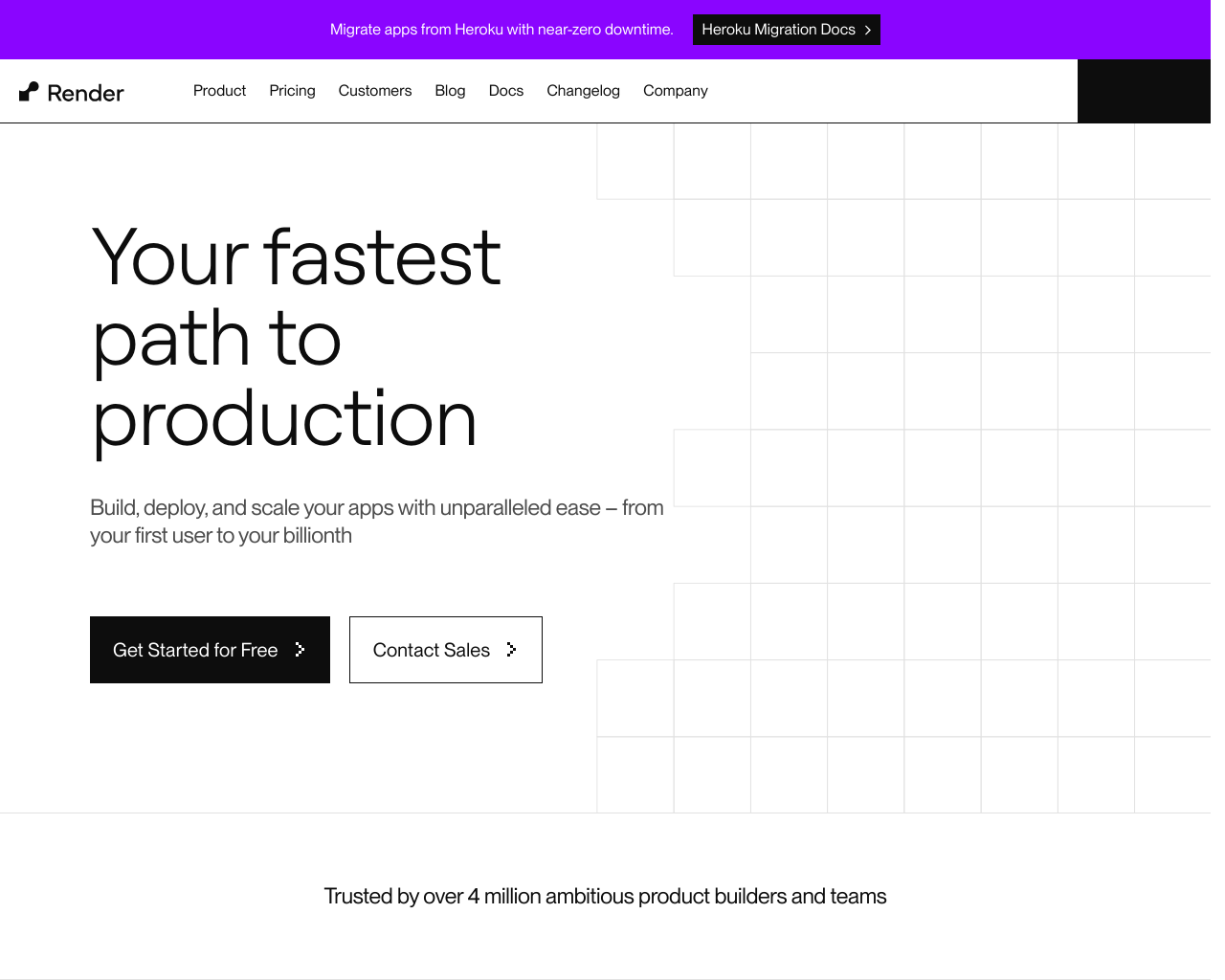
Screenshot
[ features ]
Compliance & Security
Security certifications, compliance features, and access control capabilities.
SOC 2 Type I or Type II certification.
ISO 27001 information security certification.
Built-in tools for GDPR compliance (data export, deletion, consent).
Complete audit log of all data changes.
Granular permissions based on user roles.
Single Sign-On integration support.
Deployment & Onboarding
Features related to ease, speed, and simplicity of initial setup and deployment.
Supports deployment with a single click or minimal steps.
Estimated time to get a basic instance running.
Deployment without needing SSH access or manual server configuration.
Automatic deployments triggered by Git pushes.
Can be run fully self-hosted on user hardware/servers.
Integrations & Compatibility
Supported technologies, stacks, channels, and ecosystems.
Chat apps for interacting with agents/apps.
Application stacks or languages supported.
Cloud platforms for hosting.
Scaling & Operations
Features for managing, scaling, monitoring, and maintaining deployments.
Automatic scaling based on load.
Automated, managed backup services.
Dashboard for logs, performance, health metrics.
Supported managed DB services.
Multi-user/team collaboration features.
Pricing & Plans
Pricing structure, tiers, and value propositions.
Offers a usable free plan or tier.
One-time payment for perpetual access.
Use existing servers/infra without lock-in.
No limits on number of sites/apps/projects.
Compare With
Reviews
No reviews yet. Be the first to review Render!