
Aider
Unclaimed verified 6 oct 2026AI Pair Programming in Your Terminal
TL;DR
Aider is an open-source, terminal-based AI pair programming tool that edits local codebases and manages Git commits directly from the command line. Designed for terminal-centric developers and software engineers, it works with almost any LLM (Claude, GPT-4o, DeepSeek, Ollama) using raw API keys. Its standout differentiator is deep Git integration paired with a Tree-Sitter repository map that enables accurate multi-file edits and automated, atomic commits without editor lock-in.
What Users Actually Pay
No user-reported pricing yet.
Our Take
Aider occupies a distinct, high-leverage position in the AI coding ecosystem. While commercial tools like Cursor, Windsurf, or GitHub Copilot steer developers into graphical IDE extensions and recurring monthly SaaS subscriptions, Aider treats the command line and Git repository as first-class citizens. It fits natively into existing terminal workflows (including Vim, Neovim, and Tmux setups) without forcing developers to switch editors or pay a software markup. Its primary strengths lie in codebase comprehension and workflow transparency. By indexing project syntax into a token-efficient repository map via Tree-Sitter, Aider gives LLMs architectural context across multiple files without blowing up context windows. Features like 'Architect Mode'—which pairs an advanced reasoning model for planning with a faster, cheaper model for applying diffs—significantly lower API costs while maintaining high edit accuracy. Because every change is automatically committed to Git with conventional messages, rollbacks and diff reviews are straightforward. However, Aider requires developer discipline. Unlike visual IDEs with inline side-by-side graphical diffing, Aider operates in terminal stdout, requiring developers to inspect diffs via `/diff` or native Git commands. Additionally, because it uses a bring-your-own-key (BYOK) model, users must actively monitor token usage to avoid unexpected API bills on large codebases. Aider is best suited for experienced software engineers, DevOps practitioners, and systems administrators who want total control over model selection, auditability via Git history, and an efficient CLI-based AI collaborator.
Alternatives
Ranked by Revuo score — paid tiers never affect order.
E2B
Secure, open-source cloud environments for AI agents to run code and use real-world tools.

Omnara
Mobile & Voice Interface for Claude Code & Codex

Happy Coder
Spawn and control multiple Claude Codes in parallel. Runs on your hardware, works from phone and desktop, costs nothing. Open source.

yolocode
hire Claude in 7 lines of code
Together AI
The AI Native Cloud for building, training, and deploying AI applications with open models.

Runpod
AI cloud infrastructure for experimenting, training, fine-tuning, deploying, and scaling GPU workloads.
Pros
- + Zero vendor lock-in with BYOK support for Anthropic, OpenAI, DeepSeek, OpenRouter, and local models via Ollama/LM Studio.
- + Automated Git discipline that stages and commits code modifications with descriptive messages and instant `/undo` rollbacks.
- + Tree-Sitter repository mapping that packs class, signature, and dependency context into a compact token budget.
- + Architect/Editor split mode that optimizes costs and quality by separating high-level reasoning from code diff formatting.
Cons
- - Lacks graphical inline autocompletion and visual side-by-side diff viewers found in GUI-based IDEs.
- - Requires manual context management (`/add`, `/drop`, `/clear`) to prevent runaway token costs on large repositories.
- - Fast-paced pre-1.0 release cadence can occasionally introduce minor breaking configuration changes.
Agent Readiness
34/100Aider is an open-source CLI and Python library rather than a hosted cloud API service. While it does not offer SaaS webhooks or iPaaS connectors (Zapier/Make/n8n), it is exceptionally well-suited for autonomous agents operating locally via non-interactive CLI flags (`--message`, `--yes`, `--lint`) or direct Python module invocation (`aider.coders`).
Last checked Sep 9, 2026
MCP Integrations
2 serversNeeds a self-provisionable API key
Unofficial MCP server for Google Ads: reporting plus safe draft/confirm campaign management.
Model Context Protocol (MCP) server to execute aider-specific code editing operations
Last checked Sep 24, 2026
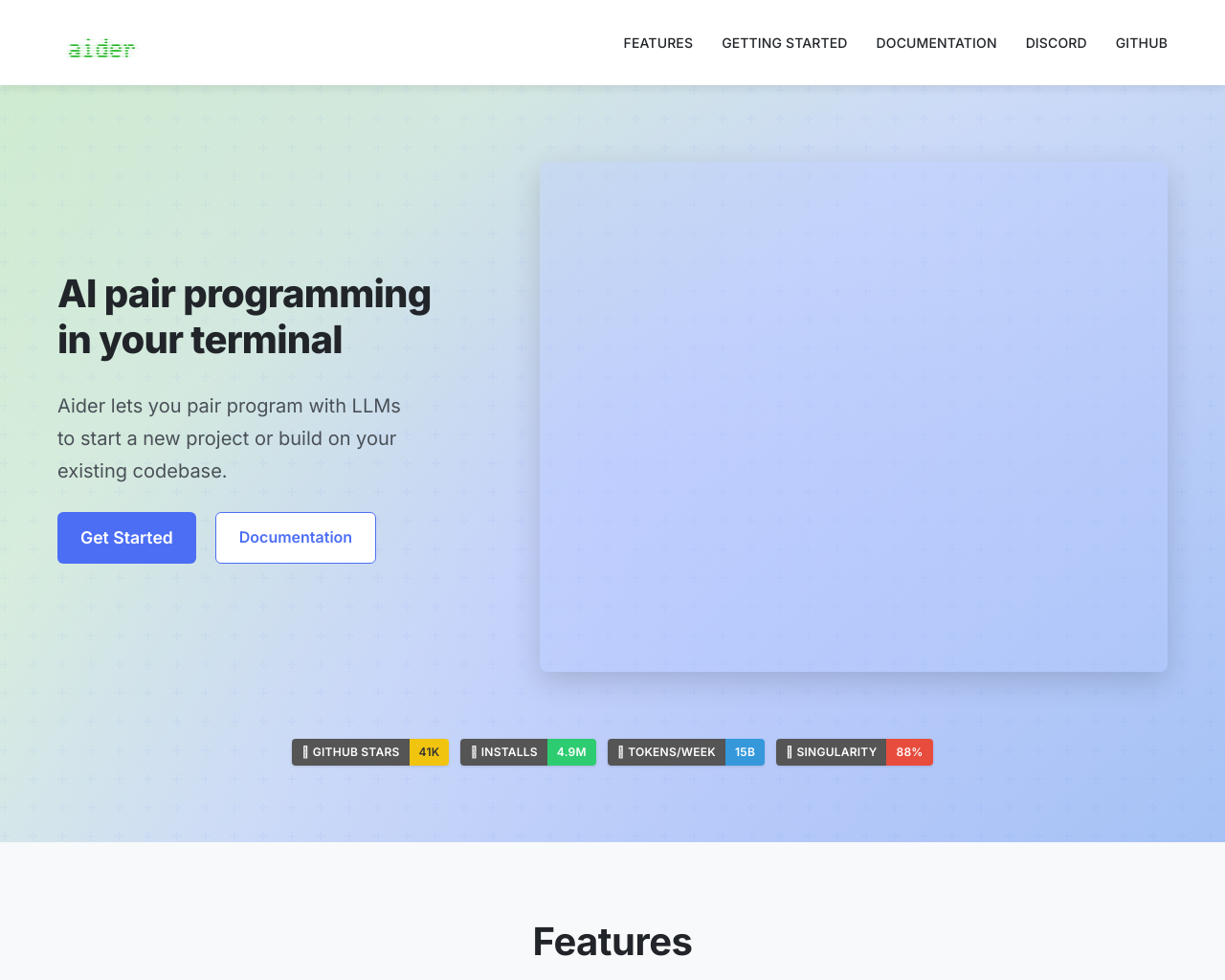
Screenshot
[ features ]
Compliance & Security
Security certifications, compliance features, and access control capabilities.
SOC 2 Type I or Type II certification.
ISO 27001 information security certification.
Built-in tools for GDPR compliance (data export, deletion, consent).
Complete audit log of all data changes.
Granular permissions based on user roles.
Single Sign-On integration support.
Accessibility & Interfaces
Features related to how users access and interact with the AI coding tools across devices and input methods.
Whether native iOS/Android apps are available for control and interaction.
Availability of a web-based UI for accessing sessions from any browser.
Hands-free voice interaction for commands, ideation, or code generation.
Seamless session handoff and context preservation across devices.
Terminal-based access for power users preferring command-line workflows.
AI Model & Language Support
Compatibility with AI models and programming languages.
Main large language model(s) supported.
Ability to use multiple or any LLM providers.
Number and types of languages handled.
Session & Workflow Management
Tools for managing coding sessions, parallelism, and integrations.
Ability to run and control multiple AI coding sessions simultaneously.
Maintains full session context across interruptions or device switches.
Deep integration with Git repos for editing, commits, and repo mapping.
Sessions continue if host machine goes offline via cloud relay.
Runs agents in isolated sandboxes with tools and filesystem access.
Pricing & Licensing
Cost structure, open-source status, and usage limits.
Primary billing structure.
Can run entirely on user hardware without external services.
Compare With
Reviews
No reviews yet. Be the first to review Aider!