
Happy Coder
Unclaimed verified 5 oct 2026Spawn and control multiple Claude Codes in parallel. Runs on your hardware, works from phone and desktop, costs nothing. Open source.
TL;DR
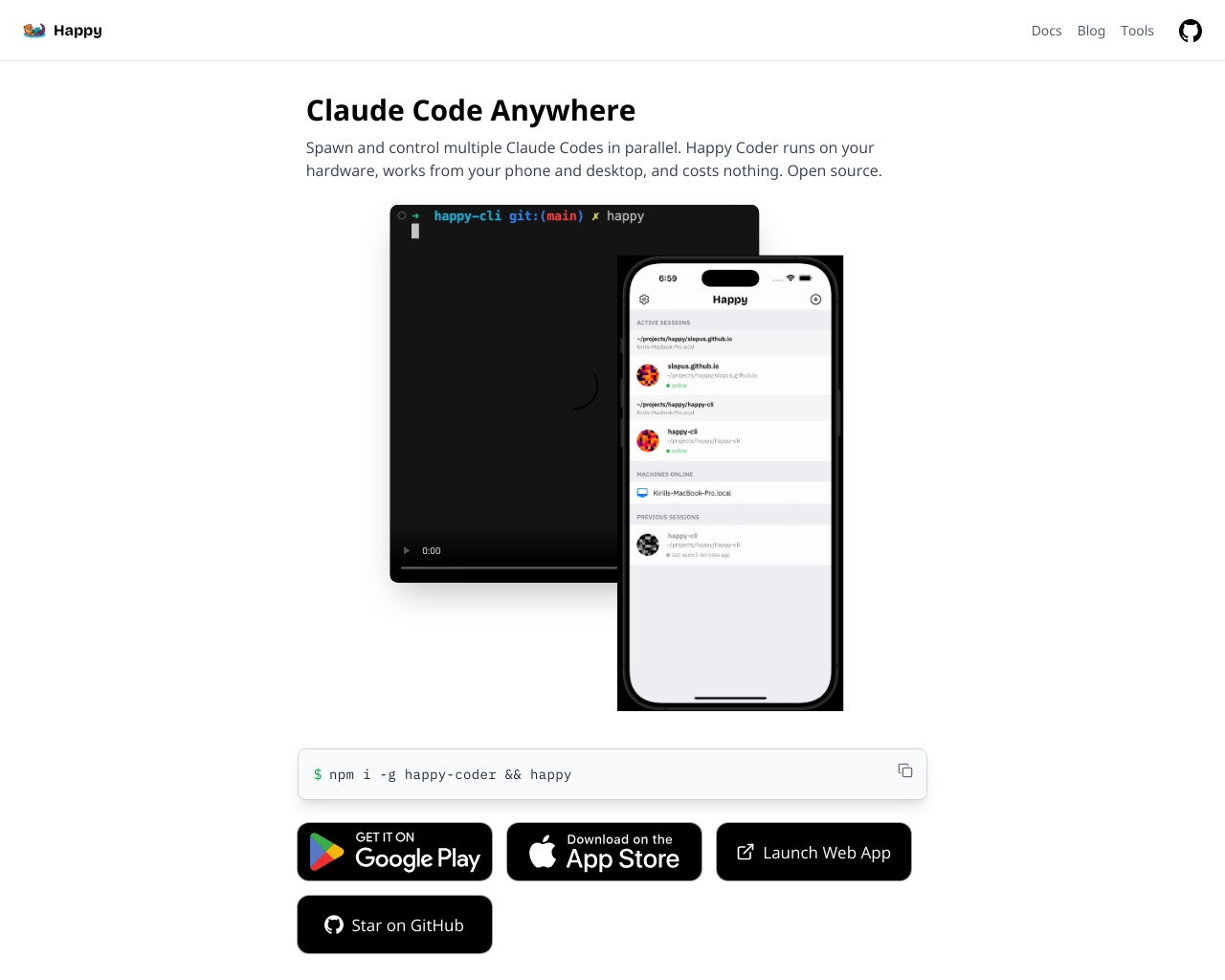
Happy Coder is an open-source mobile, web, and desktop client for Claude Code, OpenAI Codex, and Gemini CLI that runs locally on developer hardware. It enables software engineers to spawn, monitor, and steer multiple autonomous coding sessions in parallel from mobile devices. Its key differentiator is an end-to-end encrypted relay architecture that preserves privacy without relying on expensive cloud developer environments.
What Users Actually Pay
No user-reported pricing yet.
Our Take
Happy Coder addresses a major pain point in the emerging autonomous coding workflow: developers being tethered to terminal prompts waiting to approve tool execution or provide clarifying feedback. Instead of charging cloud VM markup like traditional cloud IDEs, Happy Coder runs on the developer's local machine or private server and bridges sessions to mobile apps (iOS and Android) and web interfaces via encrypted relays. The tool's architecture is a significant strength. By leveraging TweetNaCl public/private key pairs generated on paired devices, the relay server never sees unencrypted code, terminal output, or prompts. Combined with push notifications for permission prompts, session management, and voice-to-action steering, it creates a practical triage workflow for long-running AI tasks. However, mobile interaction has intrinsic limitations. Reviewing complex multi-file diffs, resolving merge conflicts, and navigating deep directory trees can be cumbersome on touchscreen viewports. Furthermore, because compute executes on local hardware, host machines must stay awake and online, and secondary backend adapters (e.g., Codex or Gemini CLI modes) may show edge-case quirks relative to core Claude Code features. Happy Coder is best suited for individual engineers, open-source maintainers, and technical leads who actively use Claude Code or local CLI agents and want the freedom to step away from their desks while background refactoring, testing, or agent loops execute.
Alternatives
Ranked by Revuo score — paid tiers never affect order.
E2B
Secure, open-source cloud environments for AI agents to run code and use real-world tools.

Omnara
Mobile & Voice Interface for Claude Code & Codex

yolocode
hire Claude in 7 lines of code

Aider
AI Pair Programming in Your Terminal

Runpod
AI cloud infrastructure for experimenting, training, fine-tuning, deploying, and scaling GPU workloads.
Together AI
The AI Native Cloud for building, training, and deploying AI applications with open models.
Pros
- + Zero compute markup and fully open source under the MIT license.
- + End-to-end encrypted relay architecture ensuring code and session privacy.
- + Actionable mobile push notifications for agent tool approvals and task completion.
- + Hands-free voice-to-action capabilities for remote steering.
Cons
- - Requires host workstation or server to remain powered on and connected to the internet.
- - Mobile screen real estate makes deep multi-file diff reviews and terminal debugging challenging.
- - Occasional UI edge cases in mobile approval dialogues for complex JSON tool choices.
Agent Readiness
35/100Happy Coder functions as an agent orchestration client and relay framework rather than a traditional REST SaaS API. It offers a rich CLI daemon, WebSocket synchronization, and direct interoperability with Claude Code sub-agents and Model Context Protocol (MCP) toolchains, making it highly capable for local agent supervision while lacking third-party iPaaS connectors.
Last checked Oct 6, 2026
Screenshot
[ features ]
Compliance & Security
Security certifications, compliance features, and access control capabilities.
SOC 2 Type I or Type II certification.
ISO 27001 information security certification.
Built-in tools for GDPR compliance (data export, deletion, consent).
Complete audit log of all data changes.
Granular permissions based on user roles.
Single Sign-On integration support.
Accessibility & Interfaces
Features related to how users access and interact with the AI coding tools across devices and input methods.
Whether native iOS/Android apps are available for control and interaction.
Availability of a web-based UI for accessing sessions from any browser.
Hands-free voice interaction for commands, ideation, or code generation.
Seamless session handoff and context preservation across devices.
Terminal-based access for power users preferring command-line workflows.
AI Model & Language Support
Compatibility with AI models and programming languages.
Main large language model(s) supported.
Ability to use multiple or any LLM providers.
Number and types of languages handled.
Session & Workflow Management
Tools for managing coding sessions, parallelism, and integrations.
Ability to run and control multiple AI coding sessions simultaneously.
Maintains full session context across interruptions or device switches.
Deep integration with Git repos for editing, commits, and repo mapping.
Sessions continue if host machine goes offline via cloud relay.
Runs agents in isolated sandboxes with tools and filesystem access.
Pricing & Licensing
Cost structure, open-source status, and usage limits.
Primary billing structure.
Can run entirely on user hardware without external services.
Compare With
Reviews
No reviews yet. Be the first to review Happy Coder!